Navigation Settings

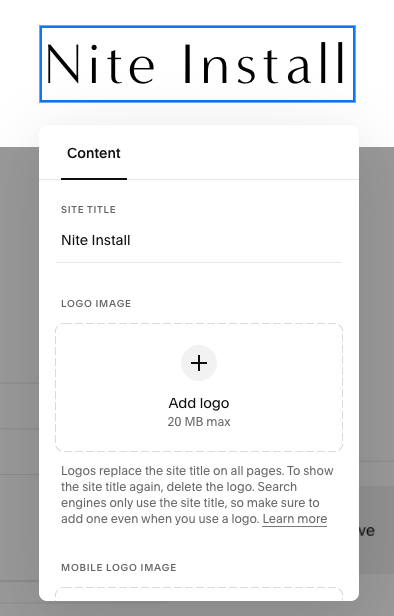
Screenshot of a website content management interface with the title 'Nite Install' at the top and options to add a logo image.

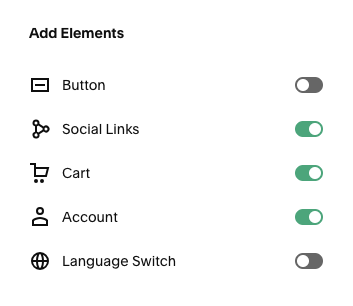
Element Settings

Settings menu with toggle switches for Button, Social Links, Cart, Account, and Language Switch, with Social Links, Cart, and Account enabled.
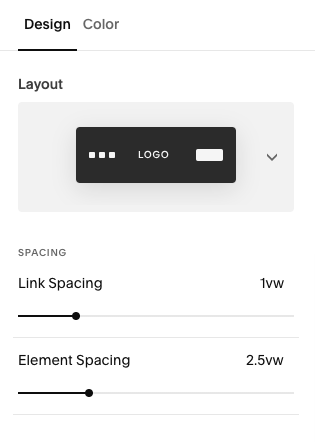
Screenshot of a website design interface showing layout and spacing options, including a black rectangle labeled 'LOGO', link spacing set to 1yw, and element spacing set to 2.5yw.

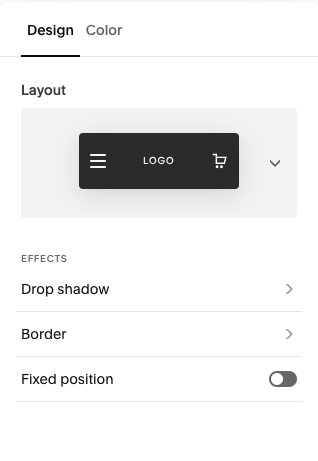
Mobile View Settings

Interface settings menu with options for design, color, layout, effects, border, and fixed position, including a logo and shopping cart icon
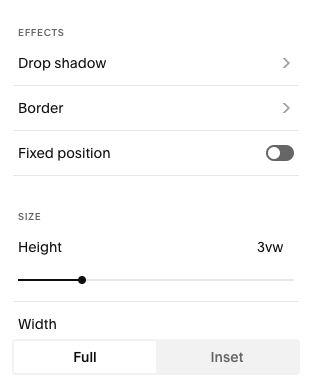
Screenshot of editing options for effects, size, and position in a graphic design or photo editing app.
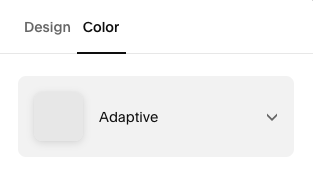
Color selection menu with 'Adaptive' option highlighted.

Fonts

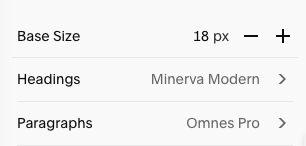
Settings menu showing base size at 18 pixels, headings set to Minerva Modern, and paragraphs set to Omnes Pro.

Colors

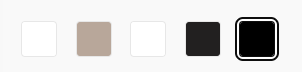
Color palette with five rectangles: white, beige, white, black, and black with a white outline.

#000000 white

#B8A799 tan

#000000 white

#222020 charcoal

#000000 black

Button Settings
Footer Settings

Follow @NiteStyling


Photos from Unsplash | Design by GoLive